Getting Started
The Lender Price API enables you to search for mortgage rates across multiple lenders, lock in pricing for a loan, and manage the full lock lifecycle -- all through a REST API. This guide covers what you need to get up and running.
What You Can Do
The API supports two core workflows:
- Price a loan -- Submit loan criteria (loan amount, FICO, property type, etc.) and receive matching rates from available lenders in real time.
- Lock a loan -- Freeze a selected rate for a loan, then manage the lock through its full lifecycle: approvals, extensions, repricing, price concessions, and cancellations.
These workflows can be used standalone via the API, or integrated with a Loan Origination System (LOS) such as Encompass.
Try the Sandbox
Want to explore the API before requesting production credentials? The Lender Price Sandbox lets you run live pricing searches against a test environment -- no IP whitelisting needed.
To get access, register with your name and a username. Our team reviews each registration and will notify you once your account is approved.
When you're ready to integrate, continue below to request production credentials.
Prerequisites
To use the Lender Price API, you need:
| Credential | Description |
|---|---|
| User credentials | A username and password for your company account |
| Company ID | Your company's unique identifier |
| API Secret / Key | Used for server-to-server authentication |
| IP Whitelisting | Your server's IPv4 address must be whitelisted |
Contact Lender Price at contact@lenderprice.com to obtain credentials and request IP whitelisting.
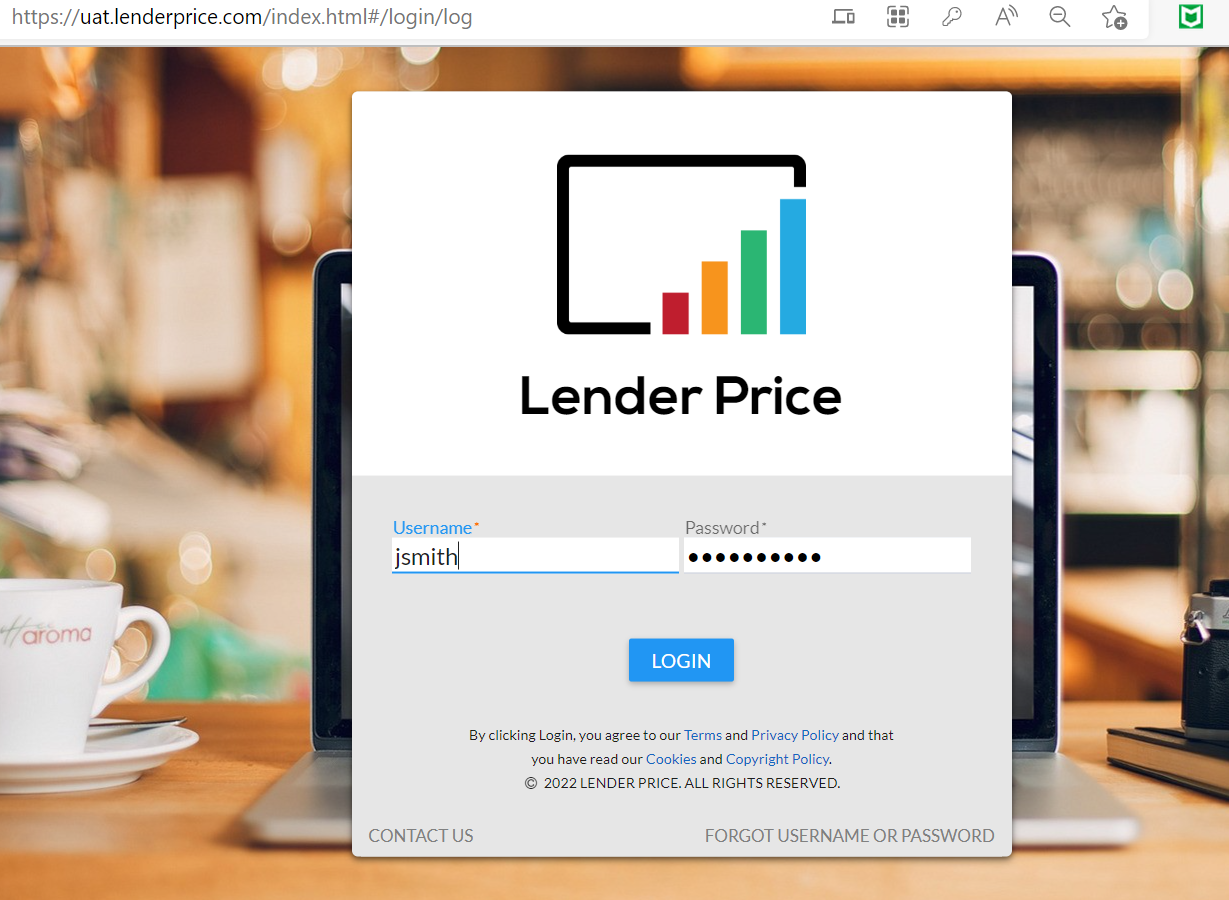
Accessing the UI Portal
Lender Price provides a web portal for testing configuration and managing your account:
UAT Environment: https://uat.lenderprice.com/
Log in with your credentials to configure rate periods, locking policies, compensation plans, and other settings that affect API behavior.
API Reference
For the complete list of available endpoints, request/response schemas, and data types, see the API Reference. This interactive reference is generated from the Lender Price OpenAPI specification and covers all pricing, locking, pipeline, and fee endpoints.
Authentication
All API sessions begin with authentication. There are three methods available depending on your integration type:
| Method | Best For | Endpoint |
|---|---|---|
| JWT Authentication | Standard API integrations | POST /oauth/token |
| LOS Authentication | Encompass and LOS integrations | POST /oauth/token |
| PPE API Secret | Server-to-server calls | GET /encodeAES128/{apiKey}/{userId} |
A successful authentication returns an access_token (for JWT/LOS) or a secret (for PPE API Secret) that you include in subsequent API calls.
See Authentication for full details, request examples, and response formats.
Quick Start: Price a Loan
The most common starting point is a pricing search. Here's the high-level flow:
- Authenticate -- Obtain an access token using one of the methods above.
- Build your search criteria -- Specify loan amount, FICO, property type, state, loan purpose, and other parameters.
- Call the pricing endpoint --
POST /rest/pricing/multisearch/{userId}with your search in the request body. - Review results -- The response contains matching rates in
resultMap.resultRates.data, each as alineResultobject with rate, points, lender, and program details.
See Pricing a Loan for the full walkthrough.
Quick Start: Lock a Loan
Once you have a pricing result you want to lock:
- Create a price quote -- Store your selected rate by creating a price quote via
POST /rest/v1/pipeline(with LOS) orPOST /rest/v1/lp-ppe-api/price-quote/create(without LOS). - Submit a lock request -- Lock the price quote using
addLockEventorlockWithScenario. - Manage the lock -- Approve, extend, reprice, or cancel as needed. Use
getNextLockStatusto see available actions at any point.
The lock workflow differs depending on whether you're integrated with an LOS:
- Locking with LOS -- Pull loans from Encompass, price them, and lock through the LOS integration.
- Locking without LOS -- Create and manage price quotes directly through the API.
Guide Overview
| Guide | Description |
|---|---|
| Authentication | Obtain access tokens for API calls |
| Platform Overview | How the API is structured and key concepts |
| Pricing a Loan | Search for rates with loan criteria, request fields, and example payloads |
| Pricing Response | Understanding rate results and line items |
| Mortgage Fees | Calculate FHA, VA, and USDA fees |
| Locking with LOS | Lock workflow for Encompass integrations |
| Locking without LOS | Lock workflow for direct API usage |
| iFrame Integration | Embed Lender Price UI in your application |
| LOS Integration | Build a custom LOS integration |